Map it, connect it, decide
Three parts that share one picture of your organisation. FLS Orbit finds what is exposed, PathVector works out how it could be used, and DeltaZero says what to do about it.
FLS Orbit
Map every asset your adversary can see before they do.
FLS Orbit continuously discovers your external and internal attack surface, so that your security team works from an accurate list of what you own and what it exposes.
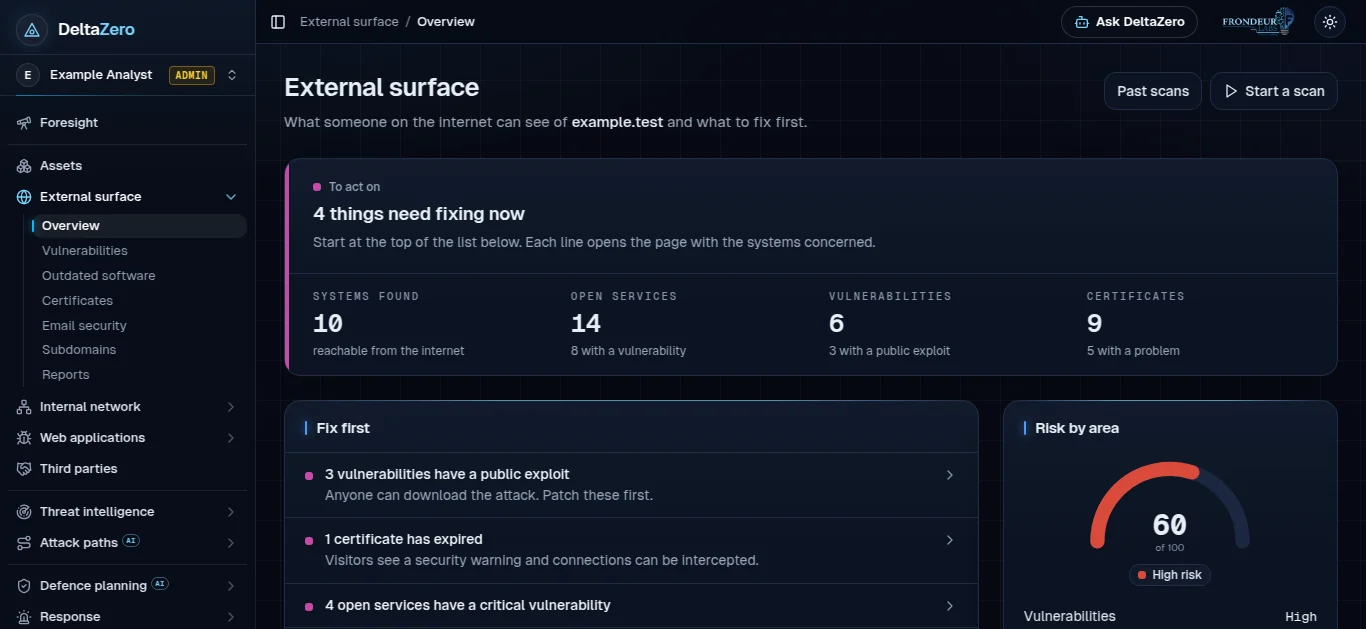
Asset discovery
Finds the systems that belong to you, including subdomains nobody remembered, and the services each one exposes to the internet.
Vulnerability assessment
Detects weaknesses continuously and puts them in order using context: whether the system faces the internet, and whether the weakness is being used in real attacks.
Outdated technology and misconfiguration
Flags software past its support date and settings that leave a system more open than it needs to be.
Certificate monitoring
Discovers your SSL certificates and watches their health, so that an expired or weak certificate is found before your visitors find it.
Email security
Finds your mail systems and checks the records that stop others sending mail in your name (MX, SPF, DKIM and DMARC).
Internal network and third parties
The same view for systems inside your network, and for the suppliers whose weaknesses become yours.
PathVector
Your attack surface tells a story. PathVector reads it.
PathVector takes what Orbit found and reconstructs the kill chains an adversary could follow. It names the ATT&CK techniques that fit each phase, scores the candidate paths, and maps each step to what a red team would use to test it.
- Attack techniques placed phase by phase, from first access to the final objective
- Candidate paths scored against each other
- Each step tied to the finding it rests on, or marked as an estimate when nothing confirms it
- Steps mapped to red team payloads for testing
DeltaZero
The layer that connects threat intelligence to a decision.
When a new threat advisory lands, DeltaZero scores it against your environment, builds the attack path that fits, and recommends which controls to add, showing where you stand before and after.
Foresight
The single most important item from every part of your security, on one page.
Threat intelligence
Vulnerabilities under active exploitation, threat actors, ransomware and malware, filtered to what touches your systems.
Attack paths
The likely route, step by step, with a plain statement of how much of it your findings confirm.
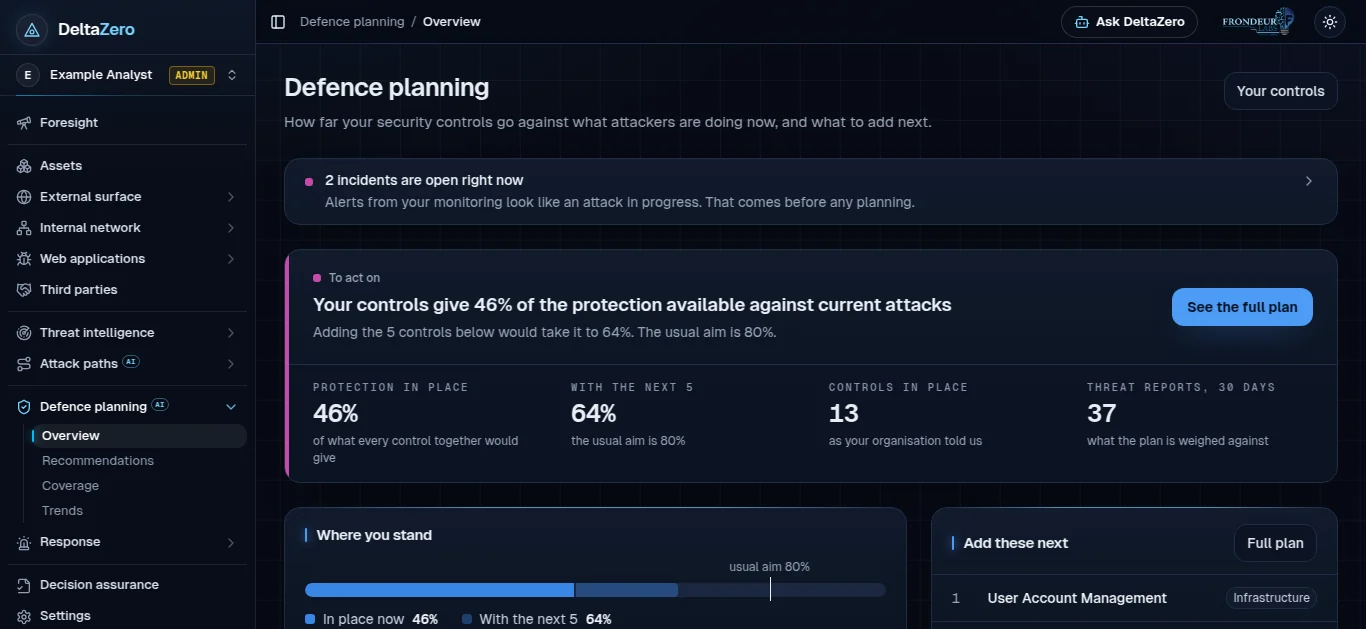
Defence planning
Starts from the controls you have. Shows the coverage they give and the next controls worth adding.
Response
Groups alerts from your monitoring into incidents, shows how far each has gone, and produces a report for whoever responds.
Decision assurance
A record of how each recommendation was reached and how well the method has held up when tested.
Start with what you expose today
Startups can ask for a free vulnerability assessment. Everyone else can ask for a walkthrough of the platform.